Midjourney Portraits
Mastering Realistic Portraits
How to use lighting and camera settings to create hyper-realistic AI people.
High-Contrast Chess Scenes & Realistic Face Editing Prompts.
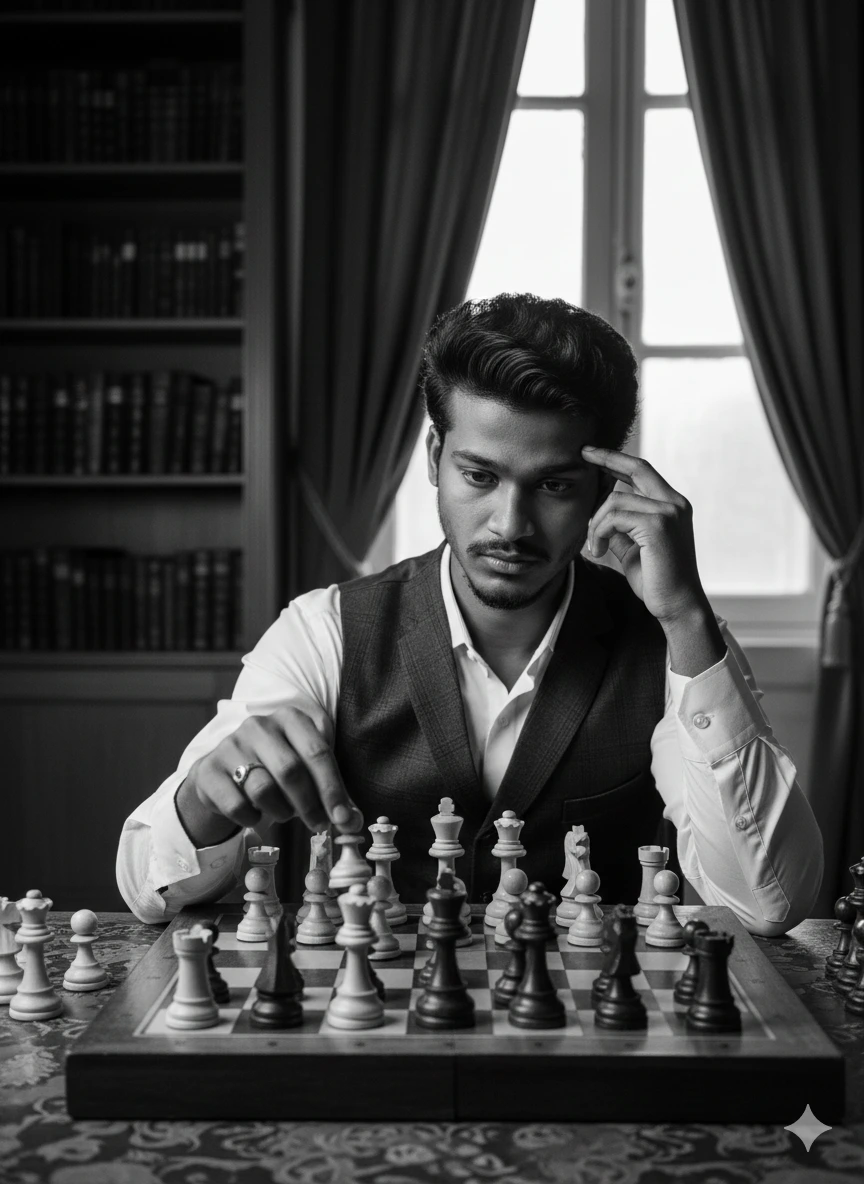
Cinematic Chess Grandmaster Style
*If using reference, upload your photo in Midjourney along with this prompt.
Generated with AI
Want to try this prompt in Gemini? Click below, but remember to copy it first!
/imagine and paste the prompt.--cref parameter (Character Reference), paste your image
URL at the end.Learn the latest techniques, tips, and strategies for effective prompt engineering.
How to use lighting and camera settings to create hyper-realistic AI people.
A guide to maintaining consistent faces using --cref and reference uploads.
Learn the difference between Rembrandt, Split, and Butterfly lighting in AI.