Customize Portrait Details
Select how strictly the AI should match your uploaded reference.
Your Custom AI Prompt
Loading prompt editor...
Best for Midjourney V6, Stable Diffusion XL, or Adobe Firefly.
Example Result
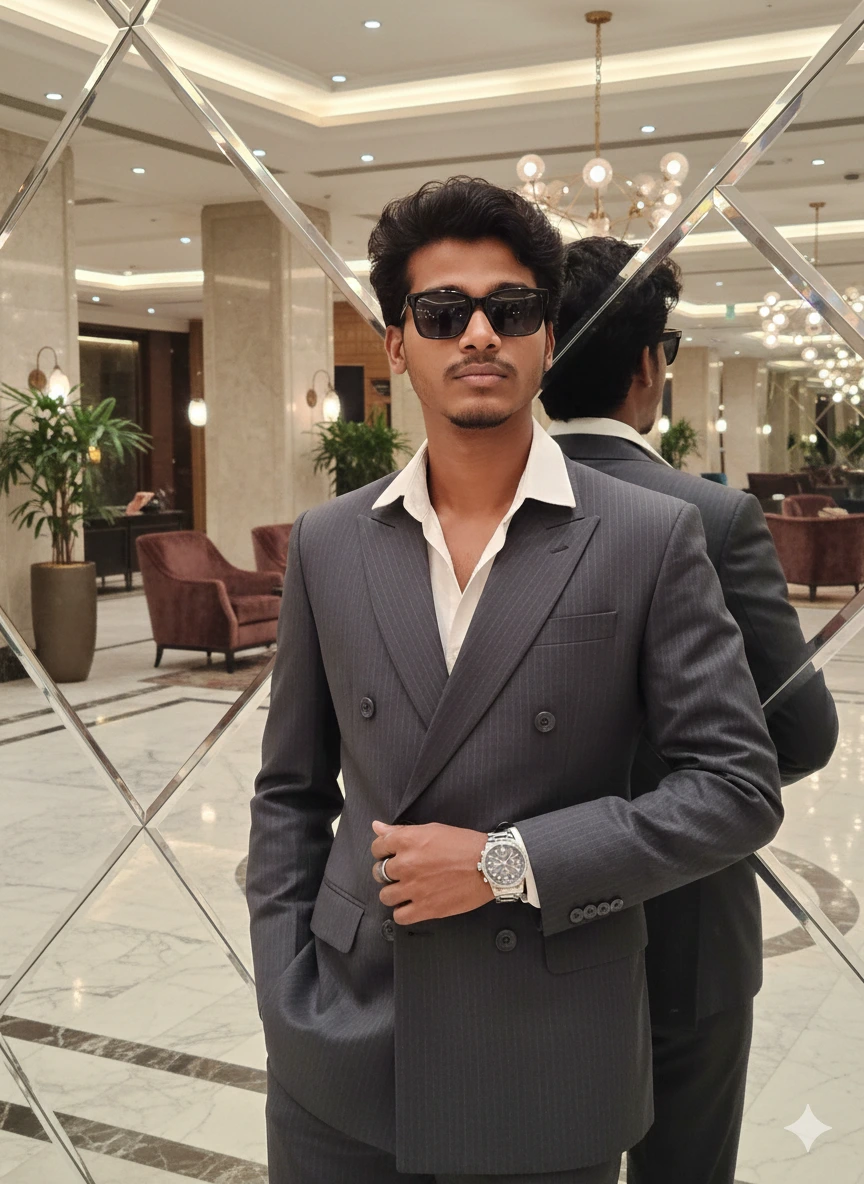
Generated with Reference Mode
How to Use This Portrait Prompt
- Step 1: Select Reference Mode. This is crucial. If you are uploading a photo to the AI (Image-to-Image), select "100% same face". If creating from scratch, select "without uploading".
- Step 2: Customize Styling. Adjust the suit color and background to fit your project.
- Step 3: Copy. Click the button to copy the prompt.
- Step 4: Generate. Paste this into Midjourney
(after the
/imaginecommand) or your preferred AI tool. - Tip: For best results in Midjourney, if you are using a reference photo, paste the image URL *before* this text prompt.
Switch to Google Gemini
Want to try this prompt in Gemini? Click below, but remember to copy it first!